Location-based setup
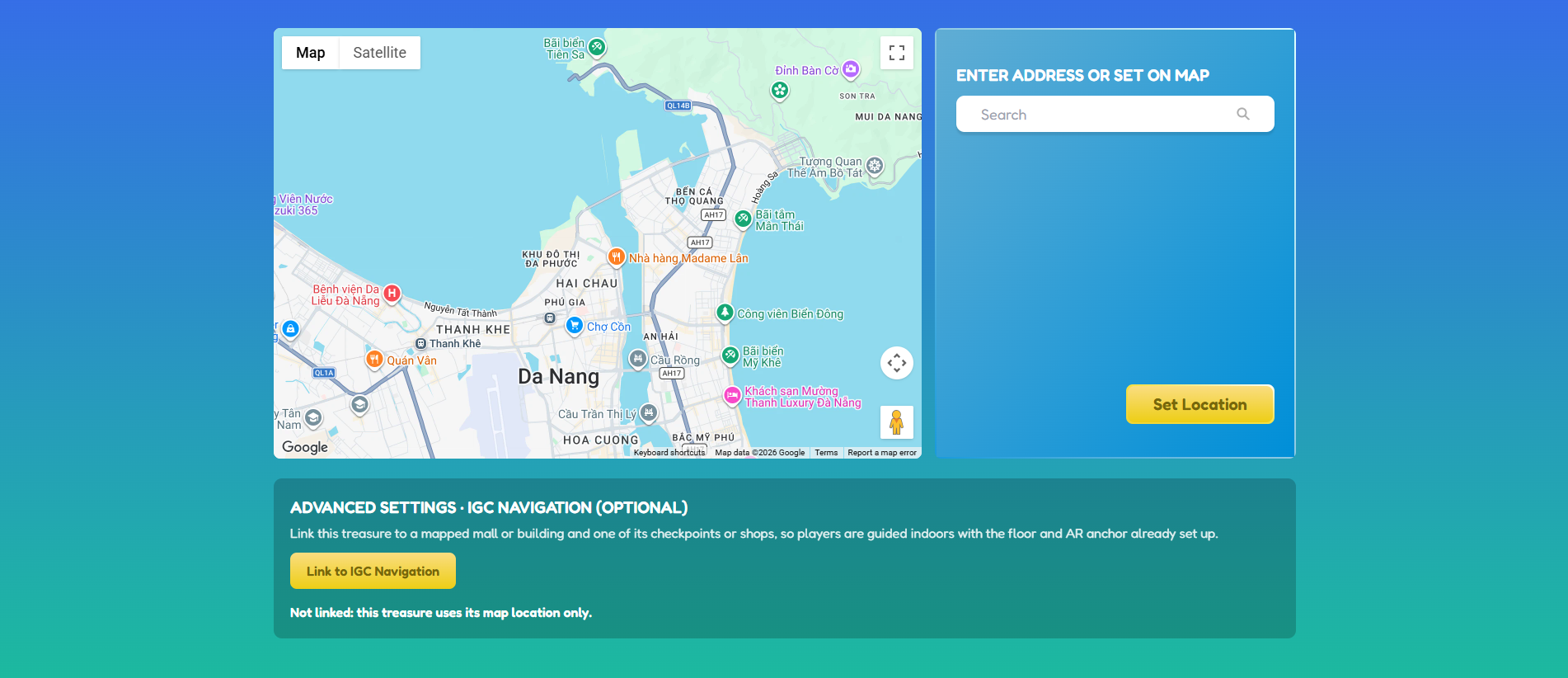
Select a location on a map and connect the treasure with a real-world destination.
Give customers something to do, not just something to read. Plan map-based digital treasure hunts, rewards and promotional experiences through the live IGC Loyalty business dashboard.
Select a location on a map and connect the treasure with a real-world destination.
Set up eligible campaign rewards and points for participants, subject to your available points balance.
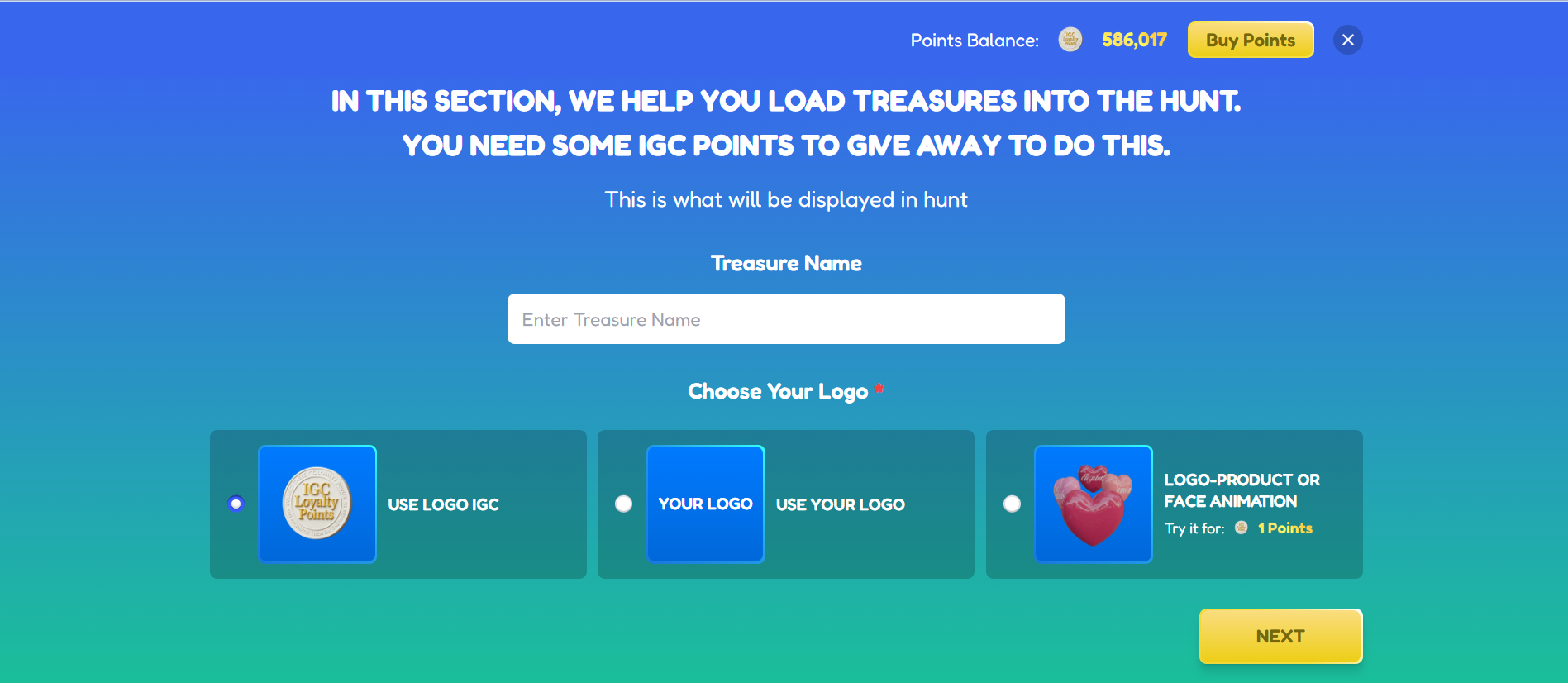
Choose how your treasure is presented, including available logo and creative options.
Plan a promotion for your store, venue, event or participating retail locations.
Give the treasure a name, choose its appearance and select its location.
Use the live dashboard to publish and manage your eligible promotional activities.
The dashboard provides an optional IGC Navigation section for linking mapped buildings and checkpoints.
If a treasure is not linked to IGC Navigation, it uses its map location.
Indoor guidance integration is being refined through soft-launch and device testing; performance varies by environment and device.
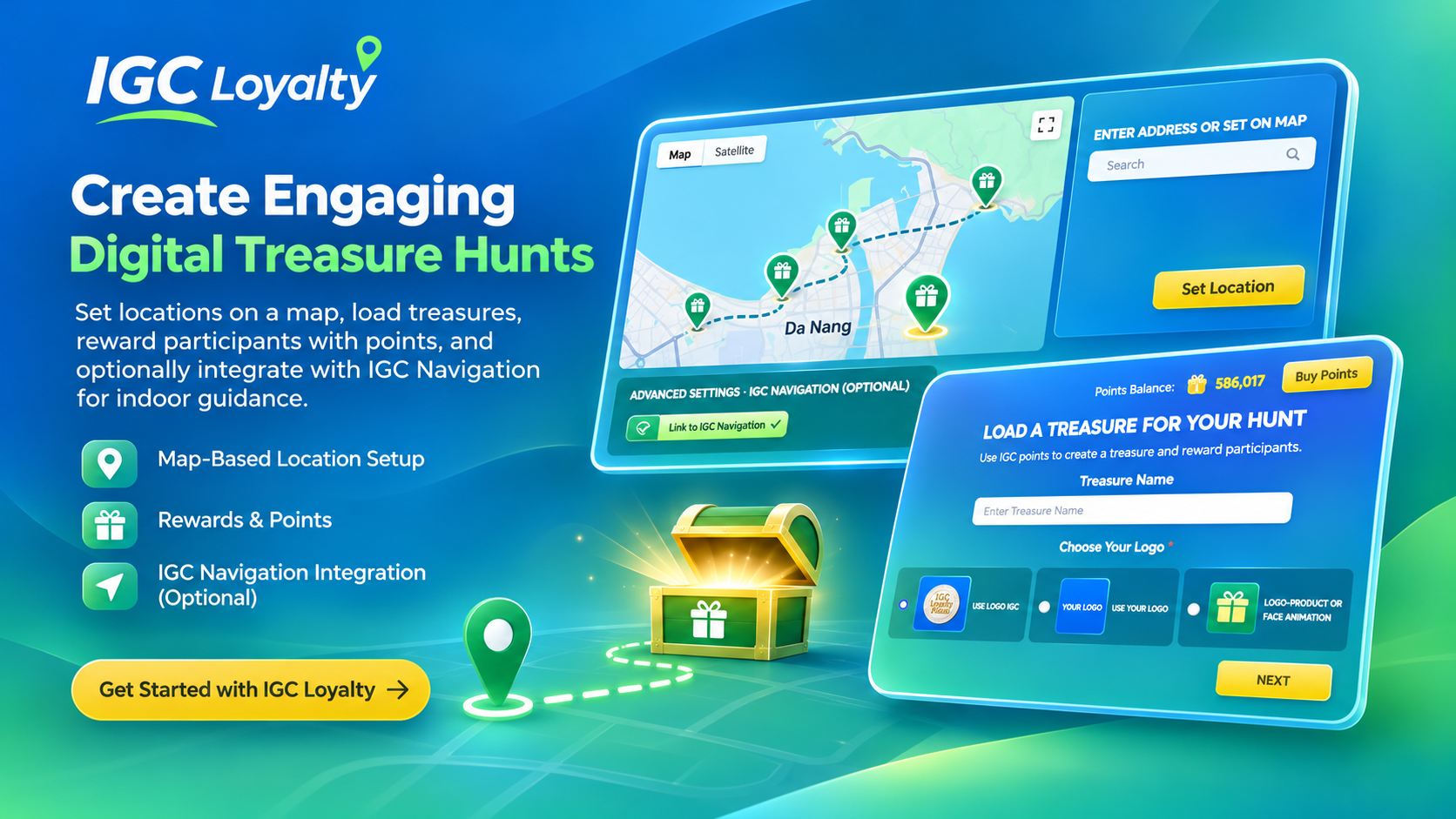
These are actual examples of the dashboard screens used to set treasure locations and configure digital treasures. The illustrative hero above is promotional artwork.
Yes. The IGC Loyalty business dashboard and consumer app are live.
Yes. The treasure placement interface supports selecting locations on a map or searching for an address.
No. Linking to IGC Navigation is optional, where mapping and checkpoints are available.
Find more ways to use real-world digital treasure hunts and location-based promotions.
The business dashboard is live. Create location-based digital promotions using available campaign tools and current pricing plans.